

Upload your image
Choose a photo, poster, menu, product visual, app UI mockup, or AI-generated design that contains text you want to change.
Start for freeEdit, replace, or add text in an image with AI. Upload a photo, poster, menu, or graphic, describe the change in chat, and refine it on desktop or mobile. Free to try.
Choose a photo, poster, menu, product visual, app UI mockup, or AI-generated design that contains text you want to change.
Start for freeTell EditText what to replace, remove, or add. Include the exact new wording and explain what should stay visually unchanged. Generate an updated image, then review the result.
Start for free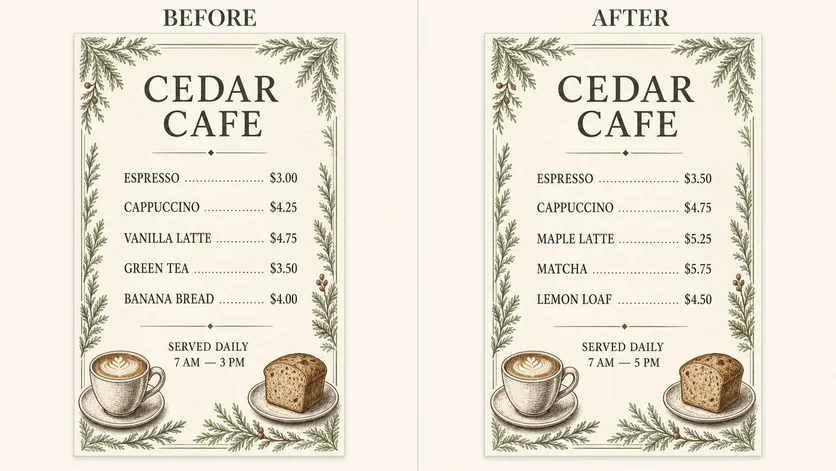
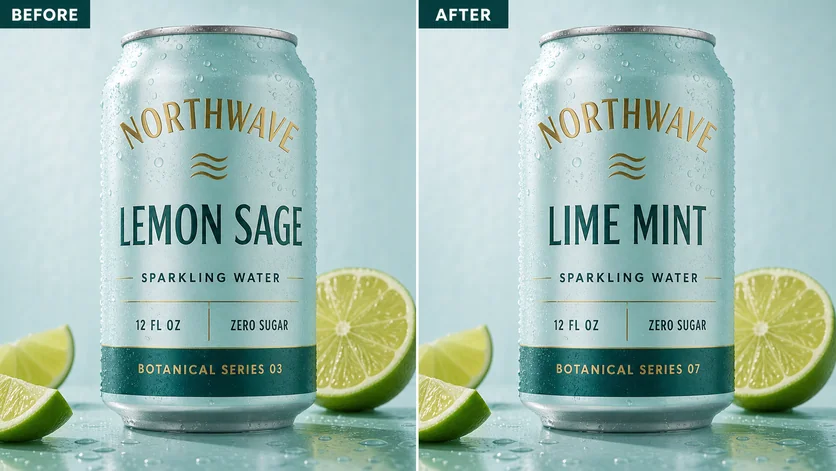 Change the flavor name and keep the packaging style
Check the result, ask for another adjustment in the same conversation if needed, then download the version you want to use. Free downloads include a watermark; eligible paid downloads remove it.
Start for freeFix typos, update poster dates, change menu prices, revise product labels, and refresh social graphics through simple chat.
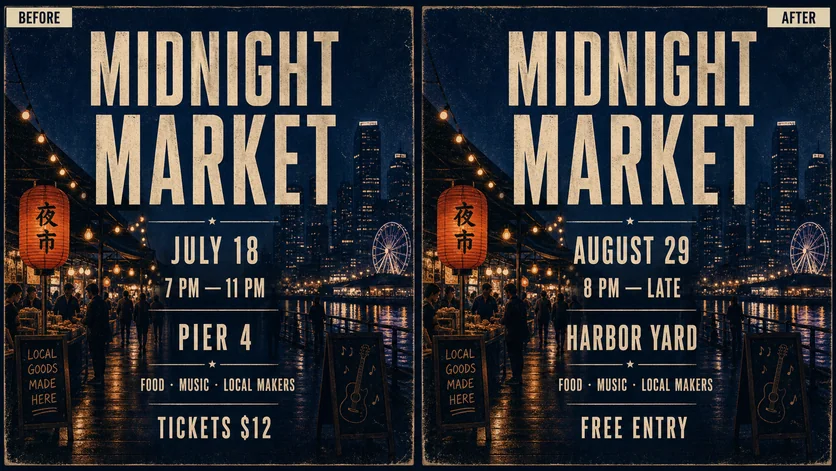
Change the date, time, venue, and entry details while keeping the midnight market style.
Try it nowReplace menu items and prices without rebuilding the menu design.
Try it nowChange the flavor name on product packaging while preserving its visual style.
Try it now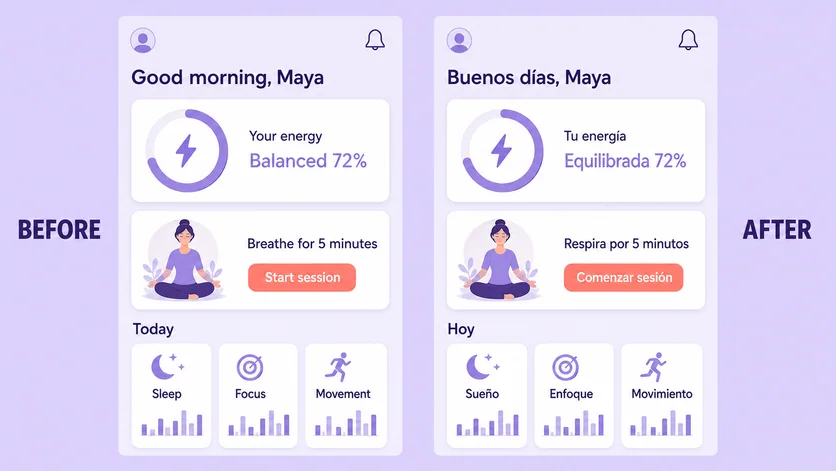
Translate visible interface text in an app UI mockup.
Try it nowUpdate dates, prices, and labels in finished images. Describe the exact replacement text and review your generated result.
Change the date, time, venue, and entry details while keeping the midnight market style.
Try this editing workflowReplace menu items and prices without rebuilding the menu design.
Try this editing workflowChange the flavor name on product packaging while preserving its visual style.
Try this editing workflowExplore before-and-after examples from Vismuse’s image text editor. Upload your own image and describe the exact changes you need.
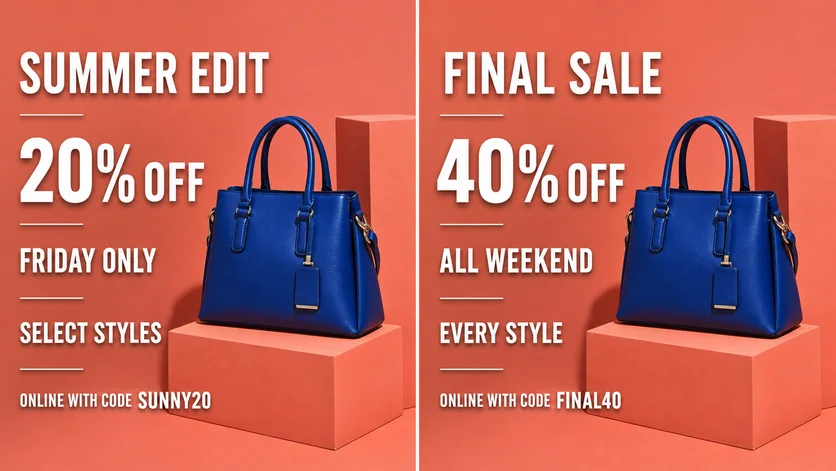
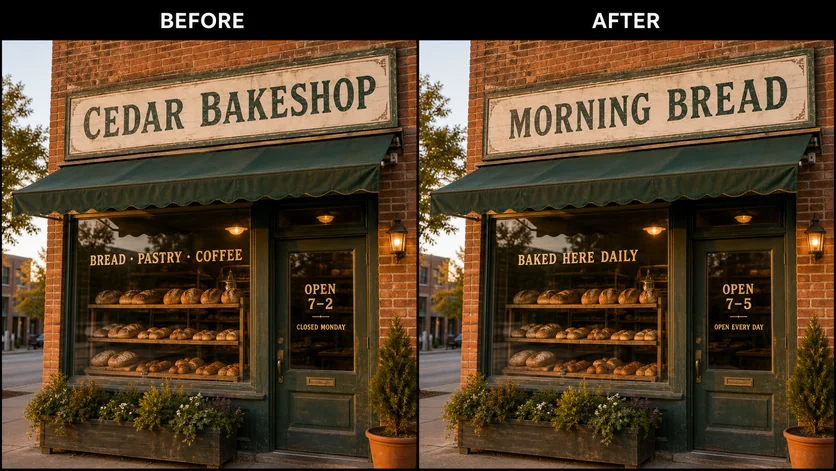
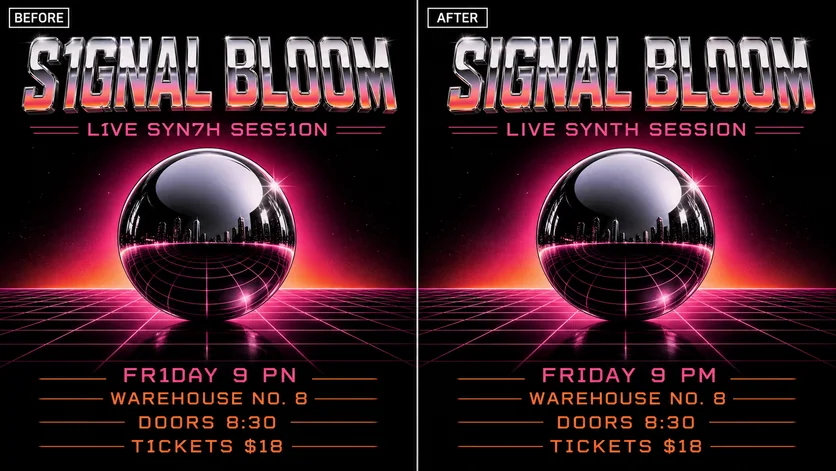
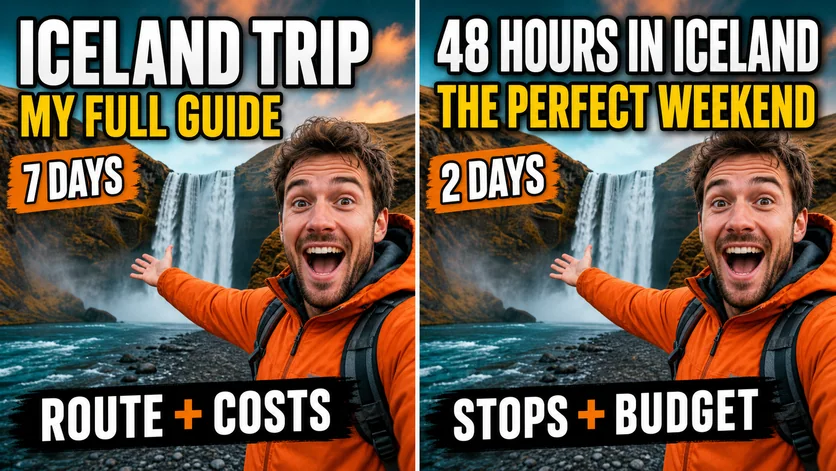
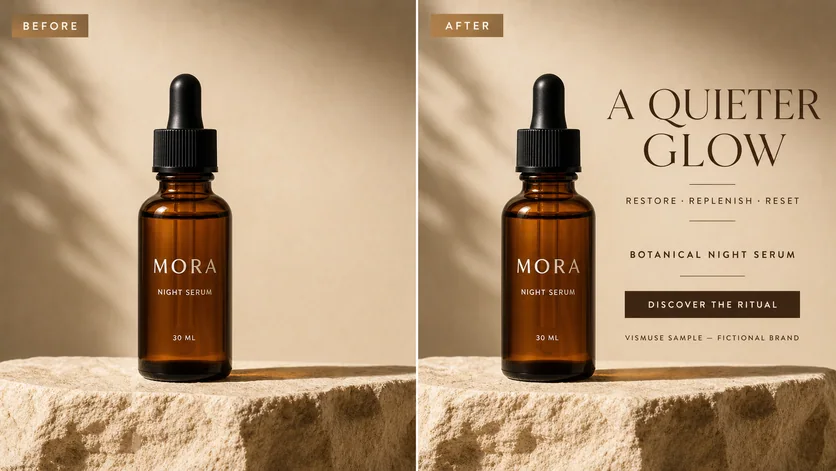
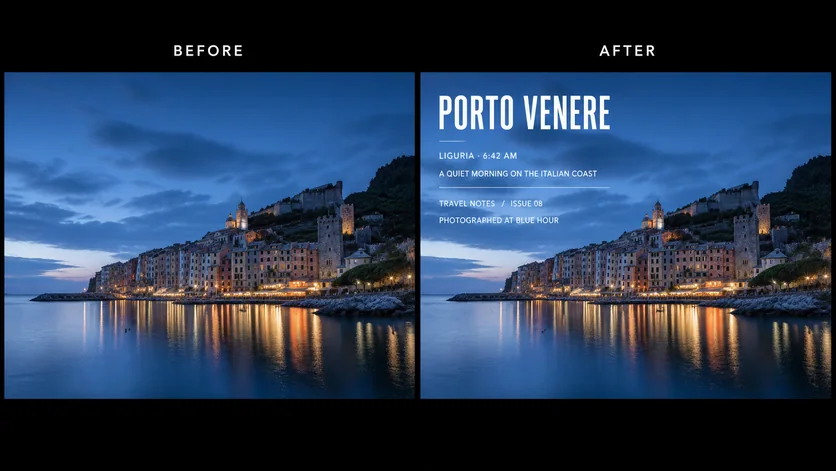
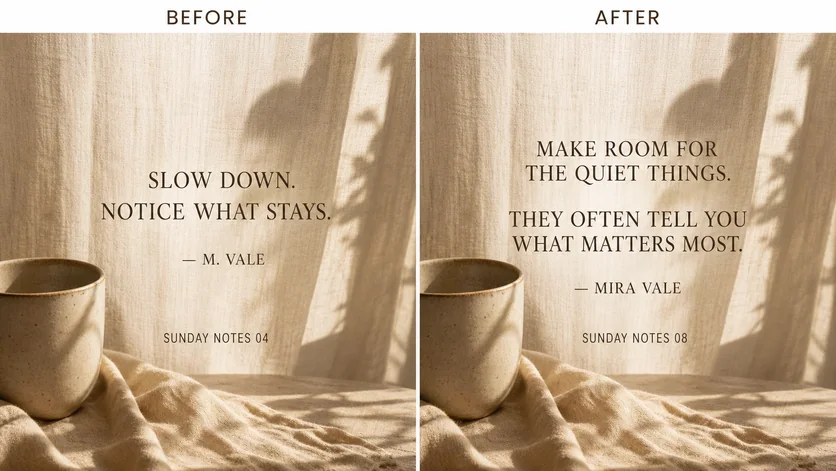
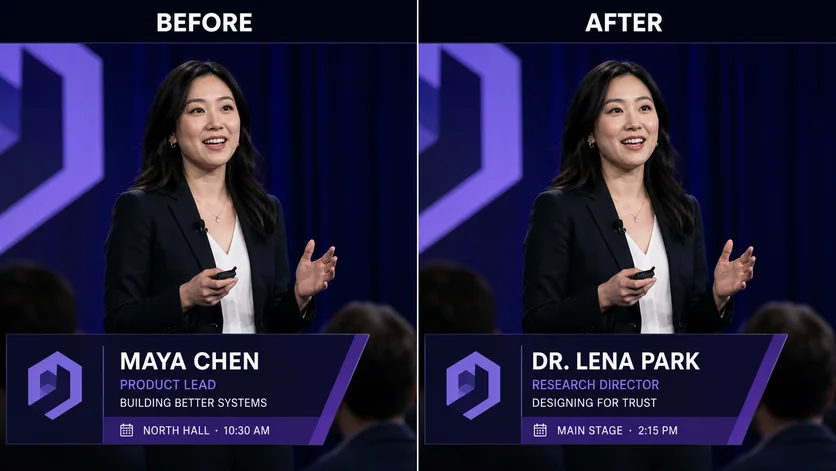
Upload the image, then describe the exact text you want changed. For example: “Replace July 18 with August 29 and keep the same poster style.” Review the result and continue the conversation if you want another revision.
Yes. EditText works from the flattened image you upload, so you do not need the original layered design file. Clear, readable text and a specific replacement instruction usually give the AI the best context.
Yes. Upload the generated image and state both the incorrect wording and the exact replacement. You can also ask EditText to keep the artwork, composition, and surrounding elements as close to the original as possible.
Yes. Describe the new headline, label, caption, price, or call to action, where it should appear, and how it should fit the existing visual style.
EditText can use the existing typography and image as visual context, but an exact font match is not guaranteed—especially with tiny letters, decorative type, blur, perspective, or complex backgrounds. Always review important names, dates, prices, and contact details before publishing.
Yes. The workflow is designed for a mobile browser: upload from your phone, describe the edit in natural language, review the result, and request follow-up changes without dragging text boxes or managing layers on a small canvas.
Common uses include posters, flyers, menus, product images, packaging concepts, social posts, thumbnails, signs, invitations, app UI mockups, and AI-generated graphics that need a text correction.
Official IDs, passports, visas, financial records, receipts, payment confirmations, and fabricated emails or messages are prohibited and blocked. Only upload and edit images you own or have permission to use.